
Remove Glasses From a Photo
See a glasses-free version of a portrait in seconds. Upload a clear photo and let AI remove eyeglasses or sunglasses while preserving the person’s face, expression, and lighting.
Server Error
How to remove glasses from a photo
The AI glasses remover takes the frames and lenses out of a portrait and fills in the small areas they covered.
- Upload a clear portrait where the face is visible.
- Generate a glasses-free version of the image.
- Try a different photo if large dark lenses cover both eyes completely.
Remove eyeglasses or sunglasses from a picture
Clear lenses and thin frames leave most of the eye area visible, so there is little to rebuild. Expression, gaze, and lighting are meant to stay close to the original.
When you remove sunglasses from a photo, the tool has less to work with. Eyes hidden behind opaque lenses have to be guessed, so the result may not match the real person.
Tips for a cleaner result
- Choose a front-facing portrait with good lighting.
- Photos where the eyes are visible through or around the glasses work best.
- Avoid strong reflections, mirrored lenses, or glasses cut off by the frame.
Keep editing the portrait:  enhance it after glasses removal,
 brighten the smile, or
 remove facial hair.
FAQ
One upload, every look






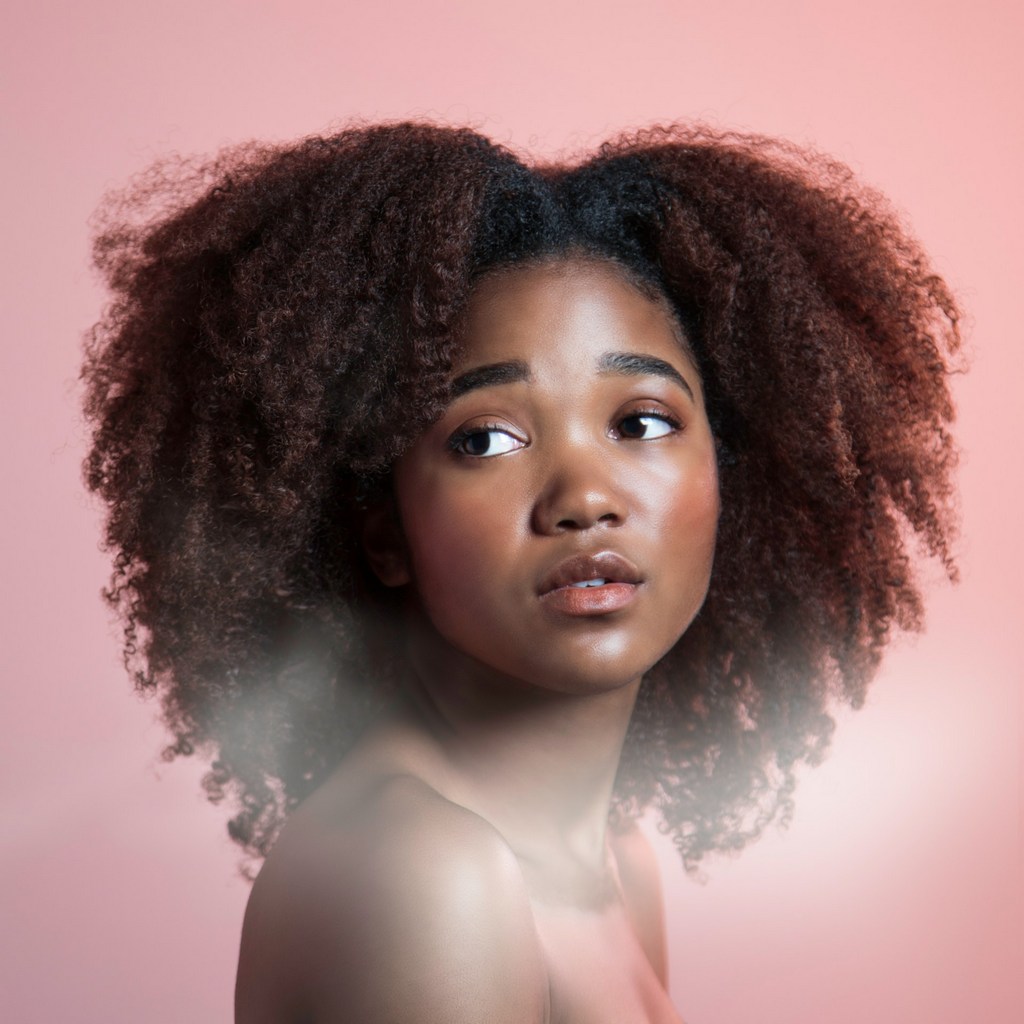
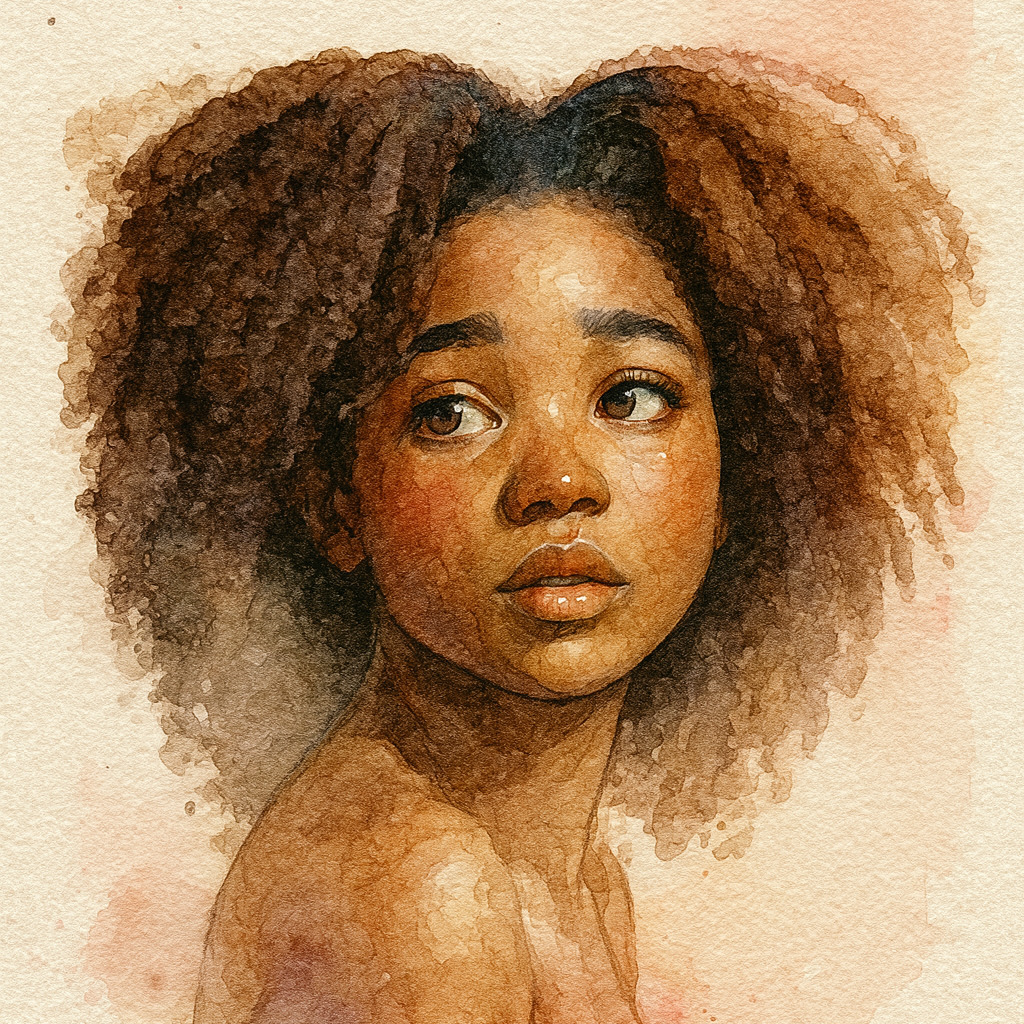
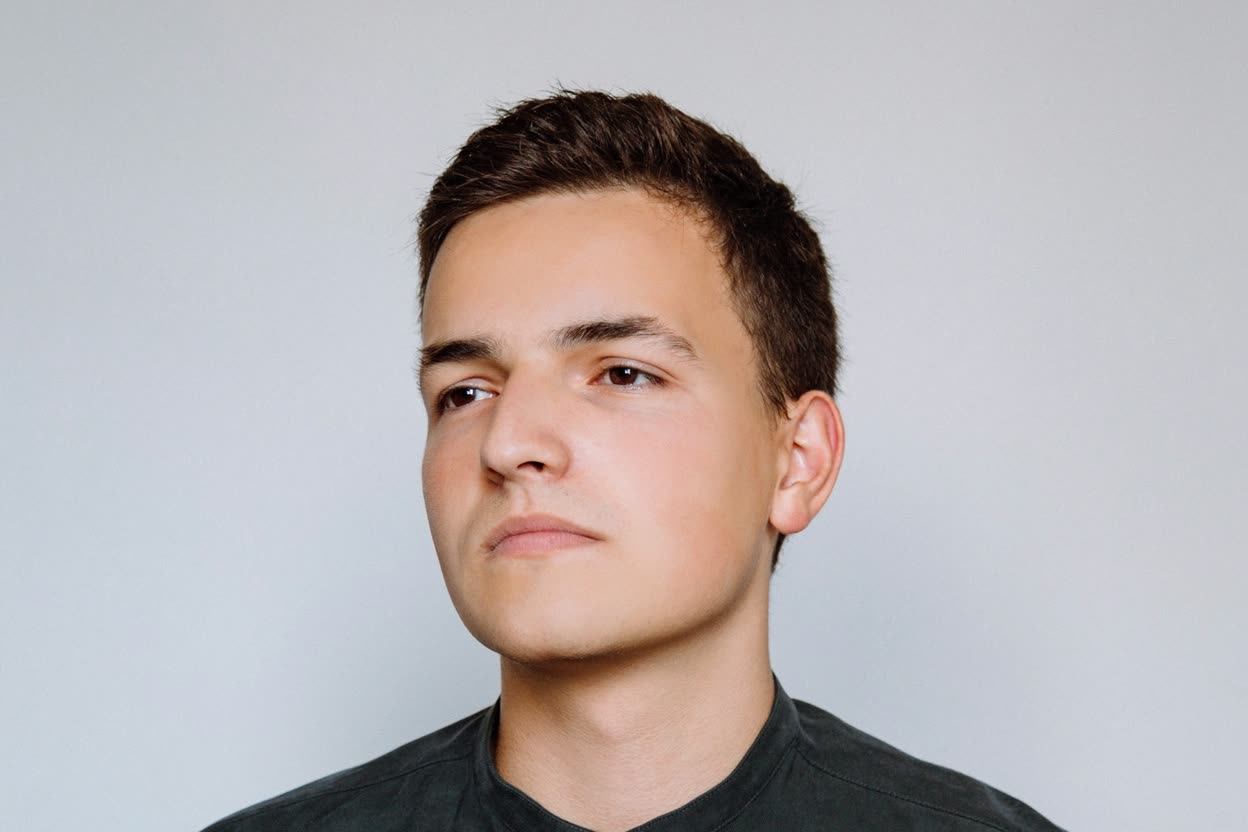
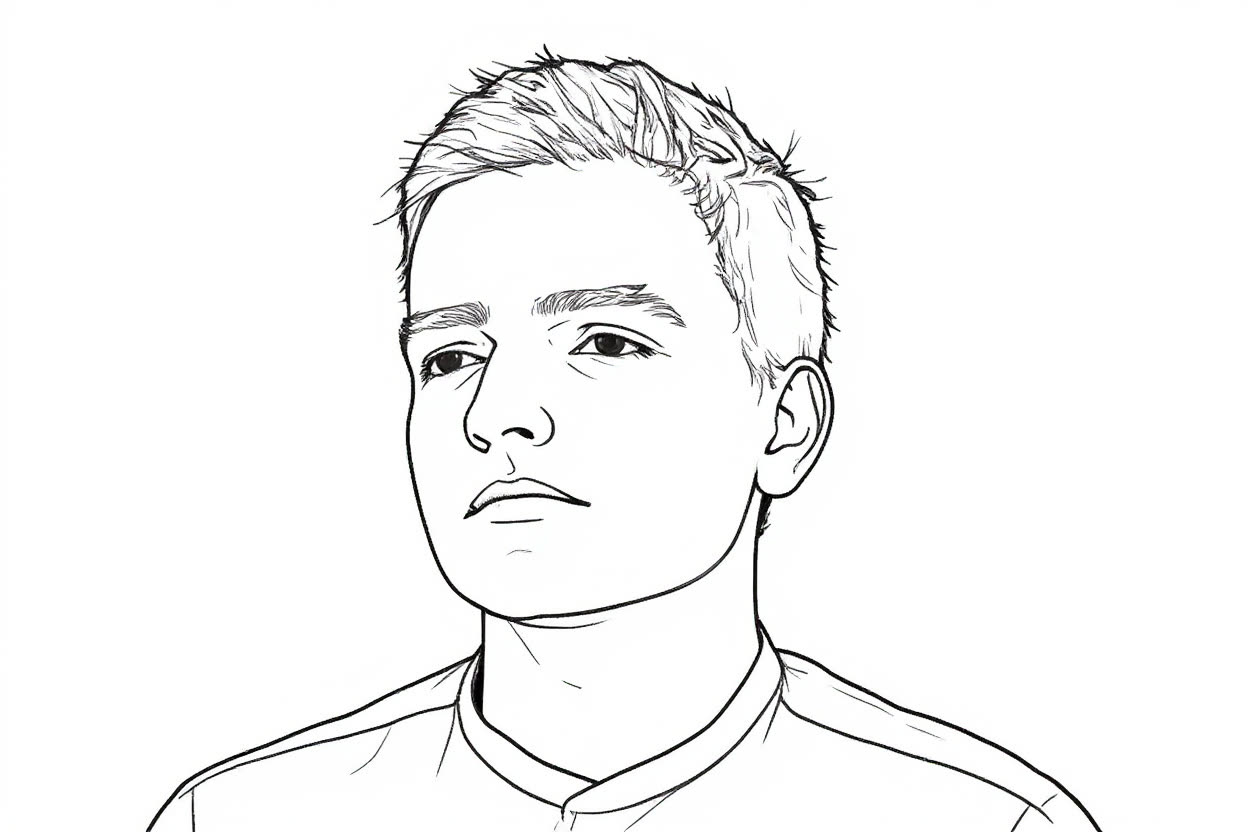














Ready to try it on your own photo?
Upload a picture, pick the look you want and get the result in seconds.