
AI Beard Remover: Remove Facial Hair from a Photo
Upload a portrait to see an AI-edited, beard-free version. Preview the look and download the image you prefer.
Server Error
How to remove a beard from a photo
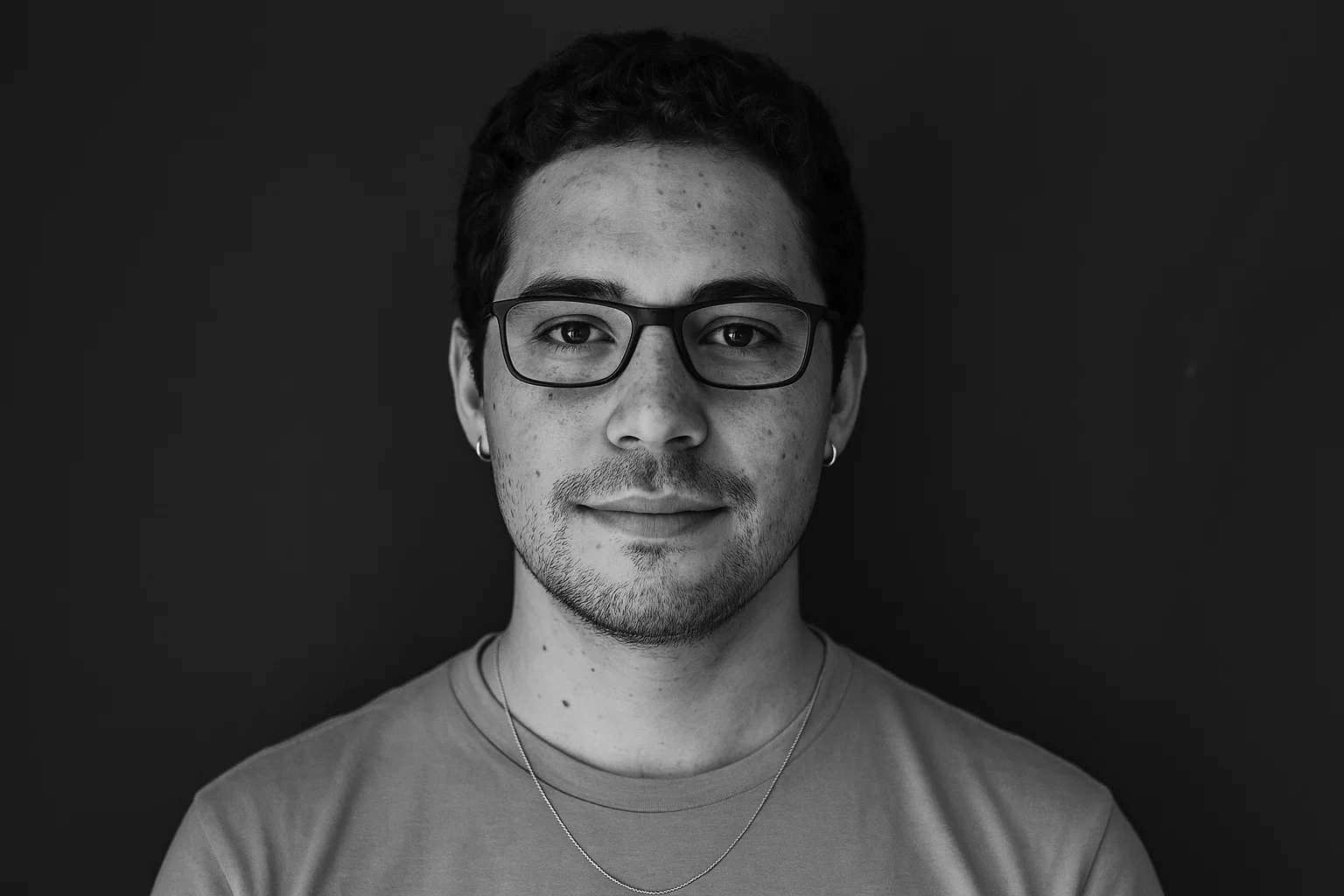
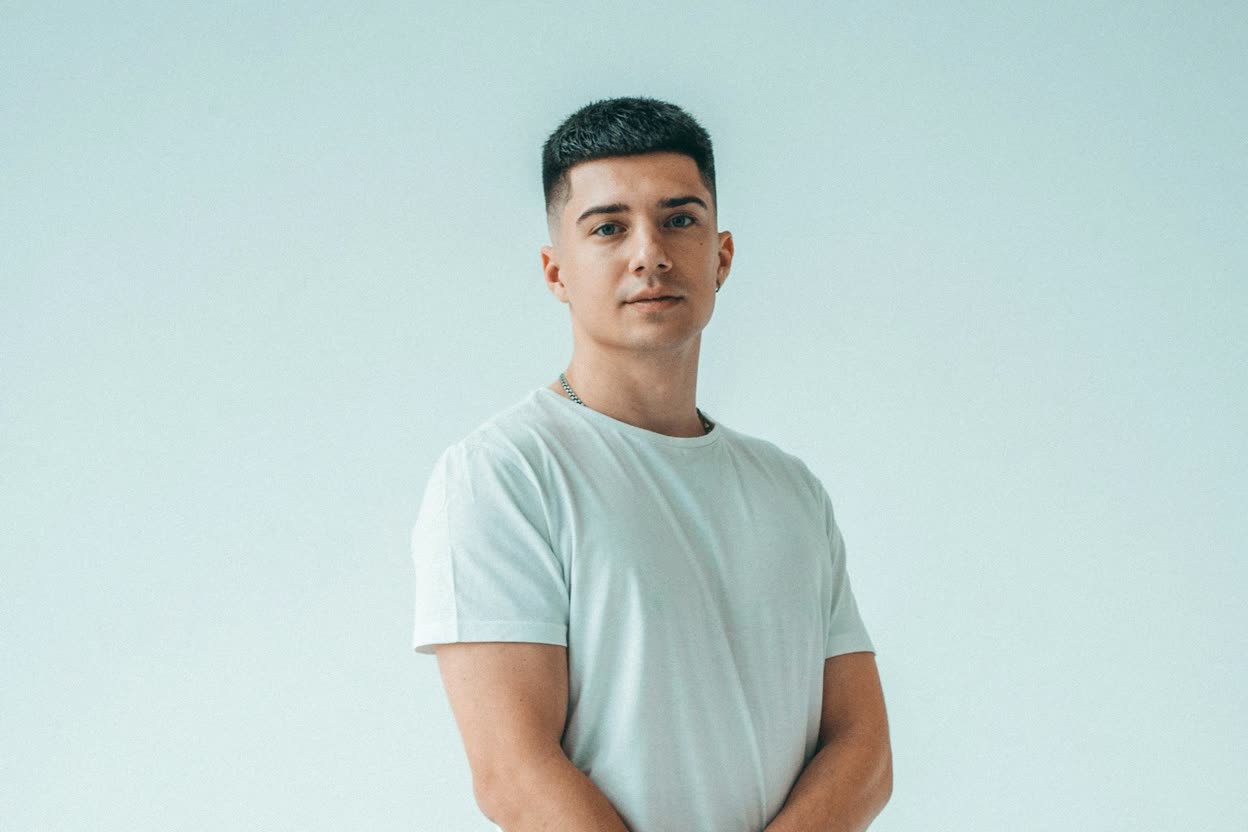
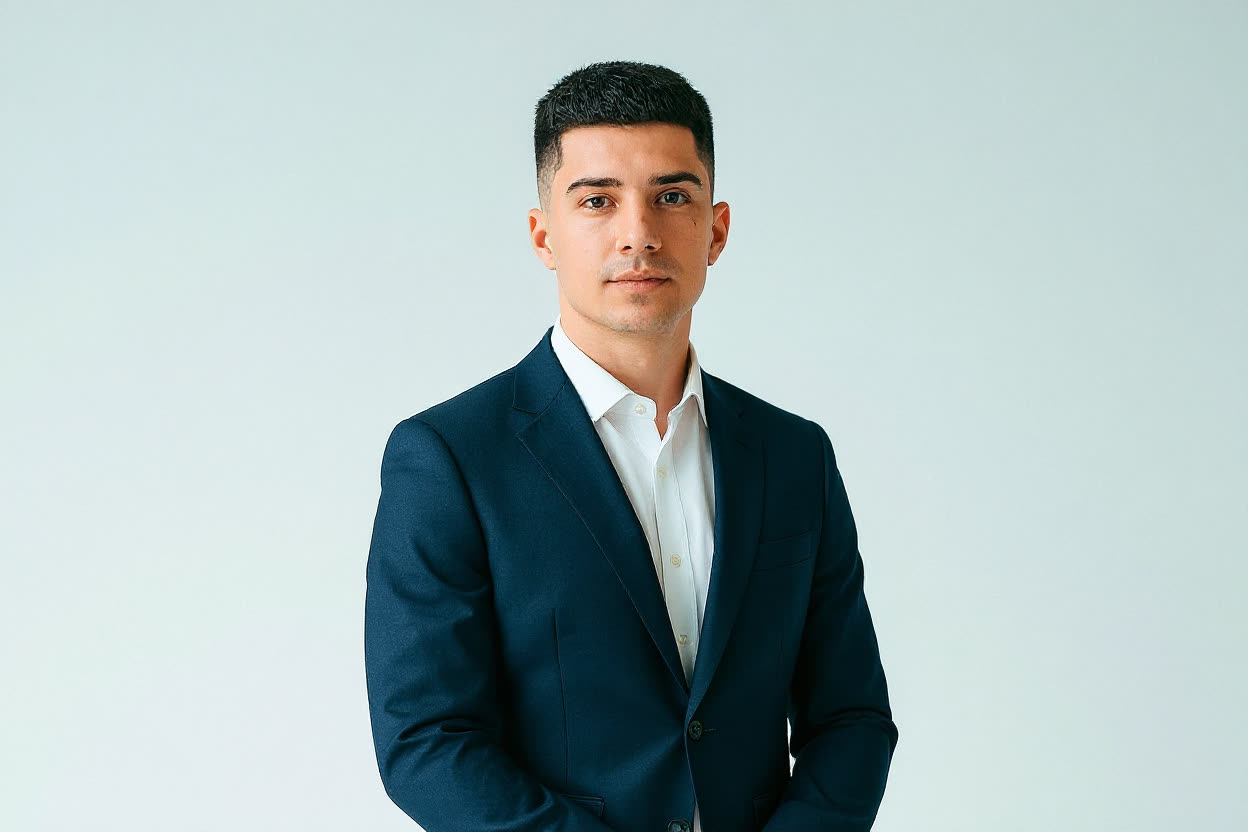
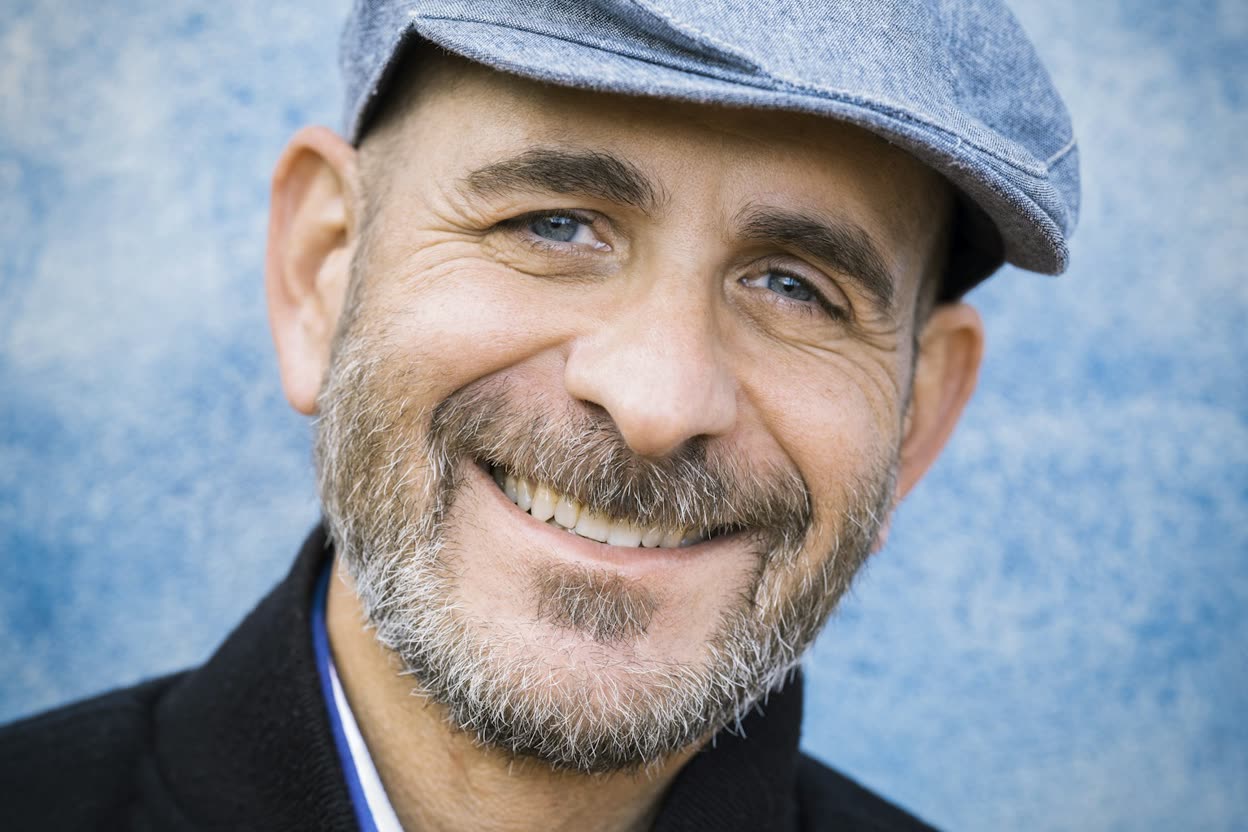
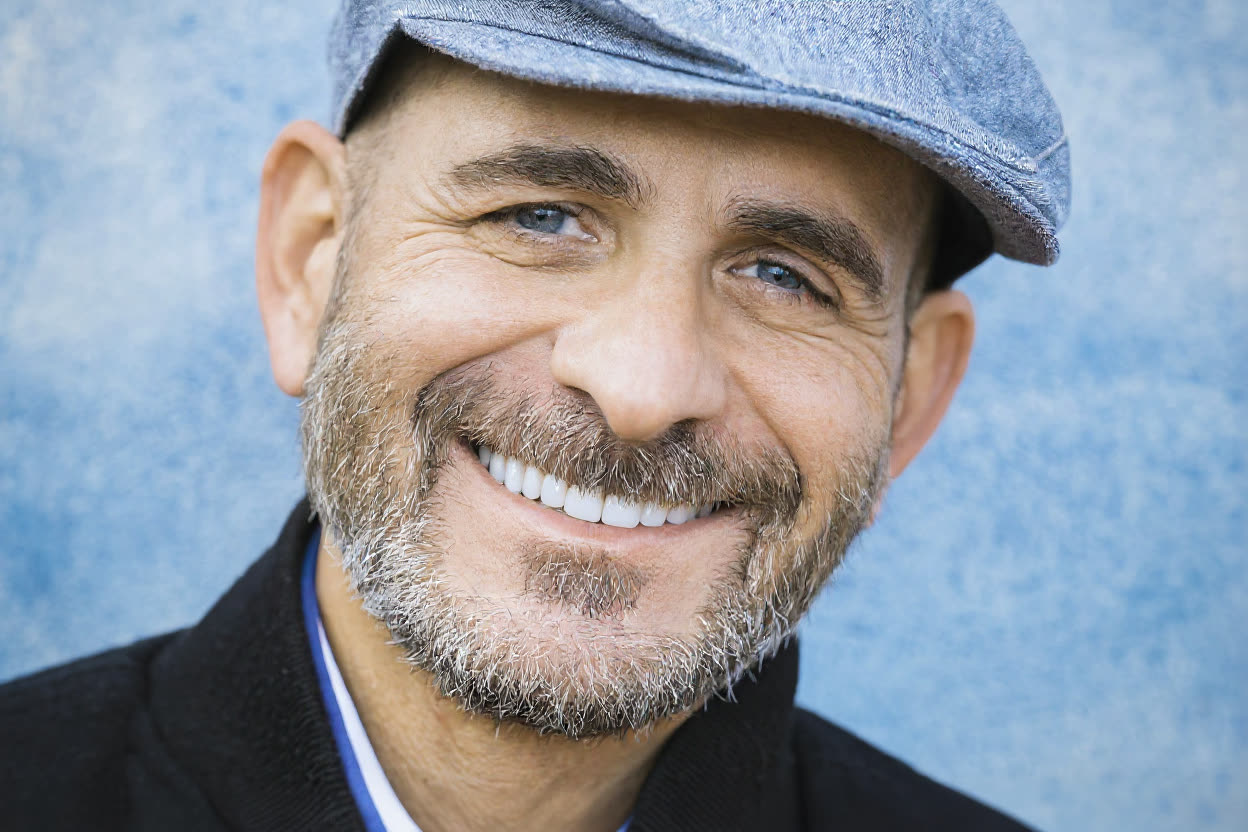
Pixomio AI Beard Remover helps you explore a clean-shaven version of a portrait without changing the original image. Upload a clear photo, start the transformation, and review the generated result. It is useful when you want to test a different look for a profile image, a creative edit, or a simple before-and-after portrait experiment.
- Upload a portrait with the face and beard clearly visible.
- Generate a beard-free version of the photo.
- Review the result, try another generation if needed, and download the image you prefer.
Get a clean-shaven portrait preview
This tool edits the image you upload. It does not remove facial hair in real life or provide grooming, medical, or skincare advice. The result is a creative AI photo transformation, so fine details can vary from one generation to the next. Use it to explore a different visual direction, not as a guarantee of how a person will look.
Tips for better beard removal results
- Choose a well-lit photo with one person facing the camera.
- A face that is sharp and unobstructed gives the tool more detail to work with.
- Avoid heavy shadows, filters, hands over the jawline, or photos where the beard blends into a dark background.
You can continue the portrait experiment with  a gender swap filter,
 AI age progression, or
 face merge.
AI Beard Remover – Use Cases
Profile Photos
Style Experimentation
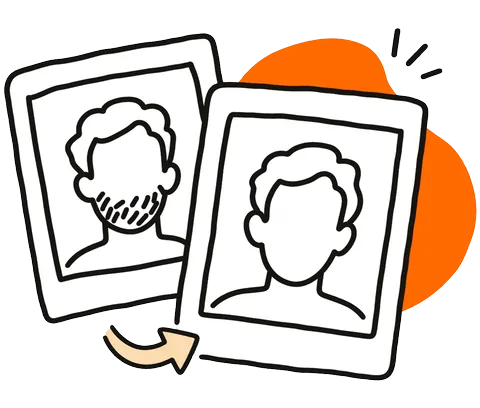
Before-and-After Edits
Character Concepts
FAQ
One upload, every look










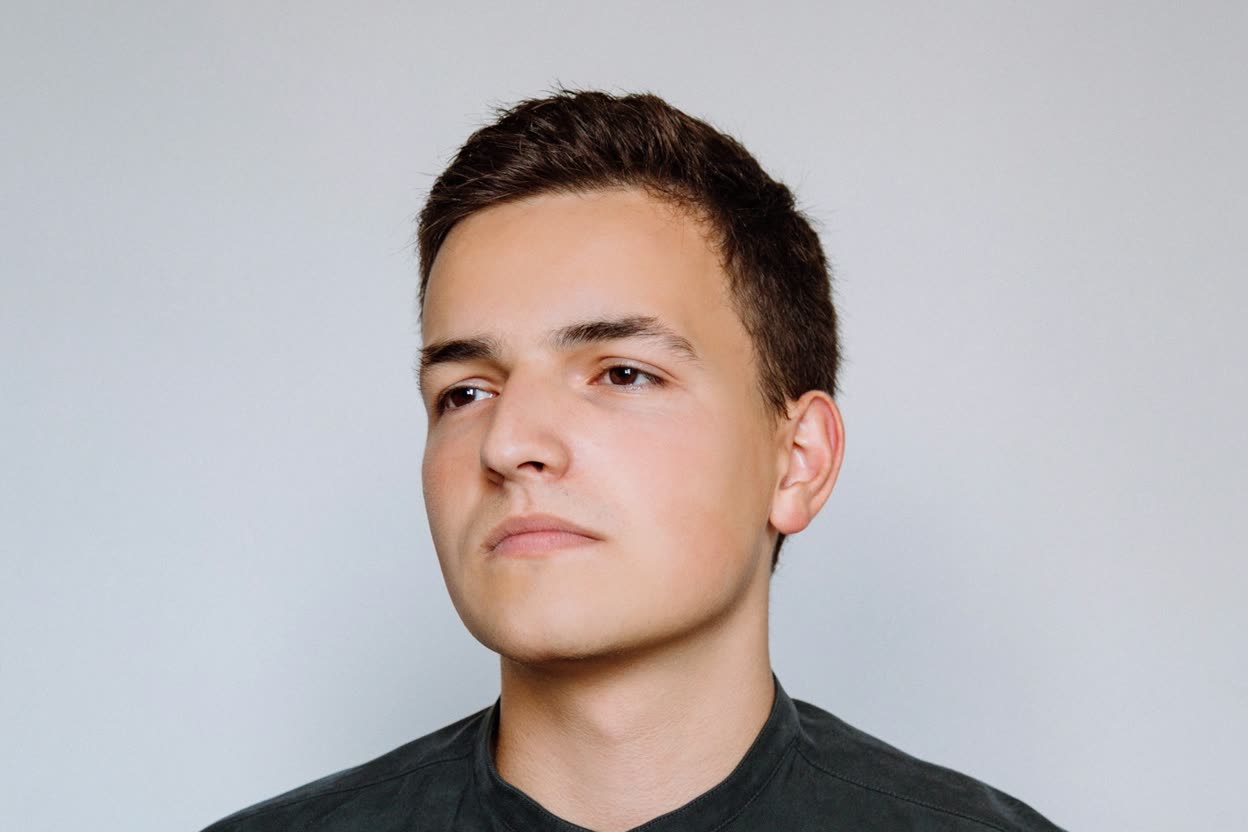
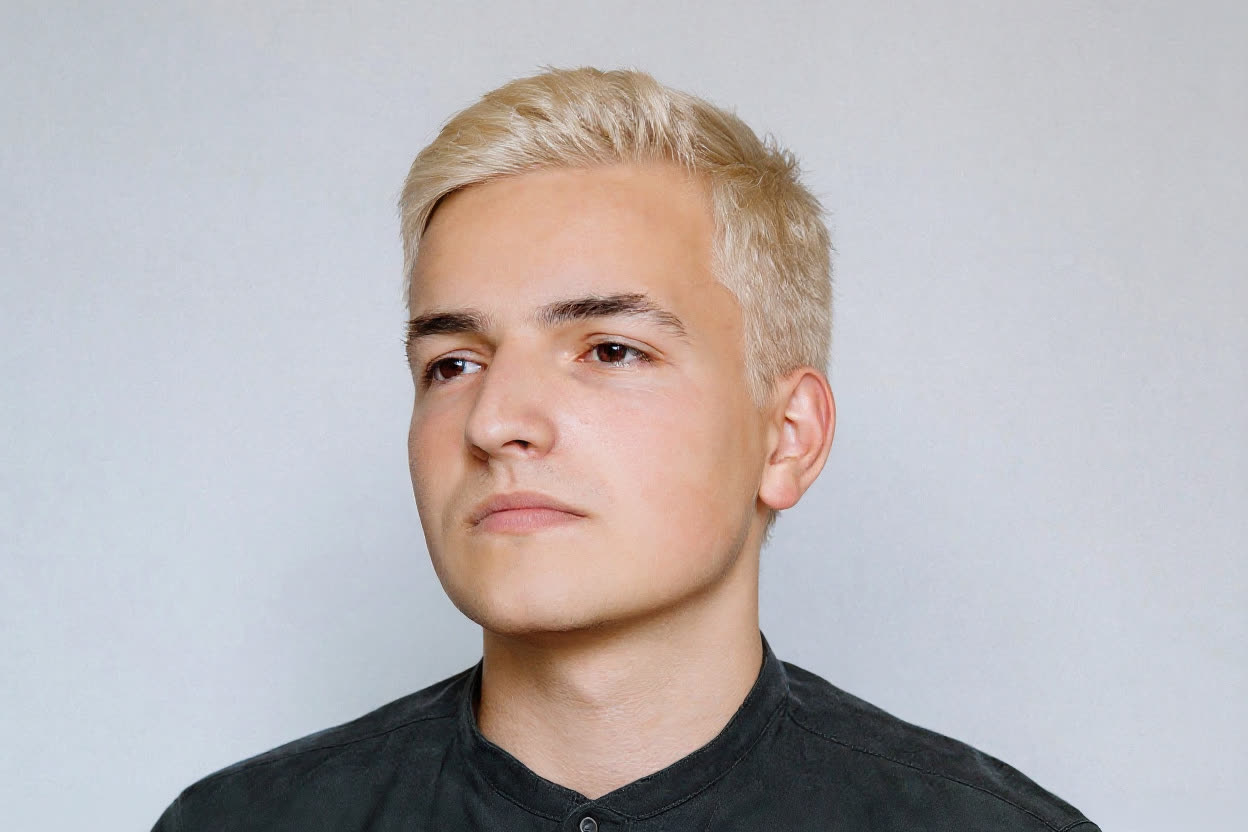
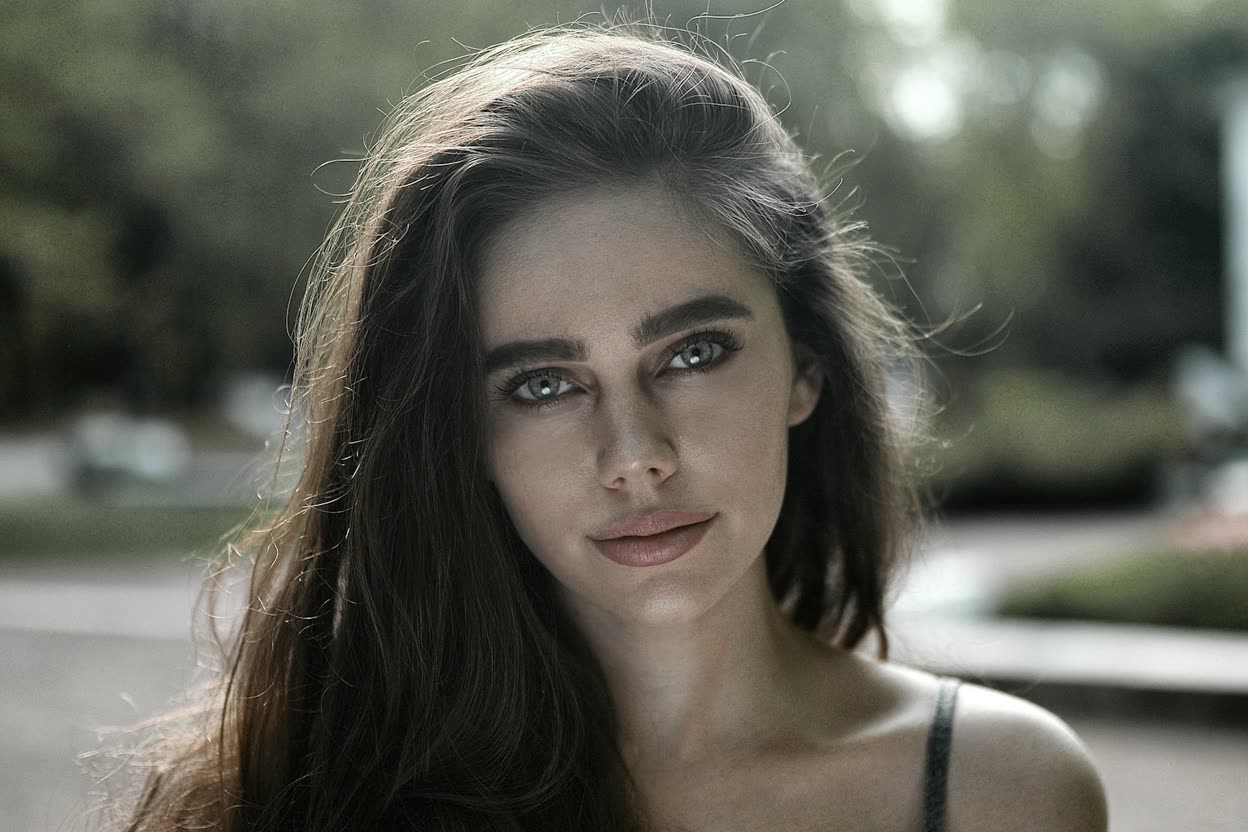
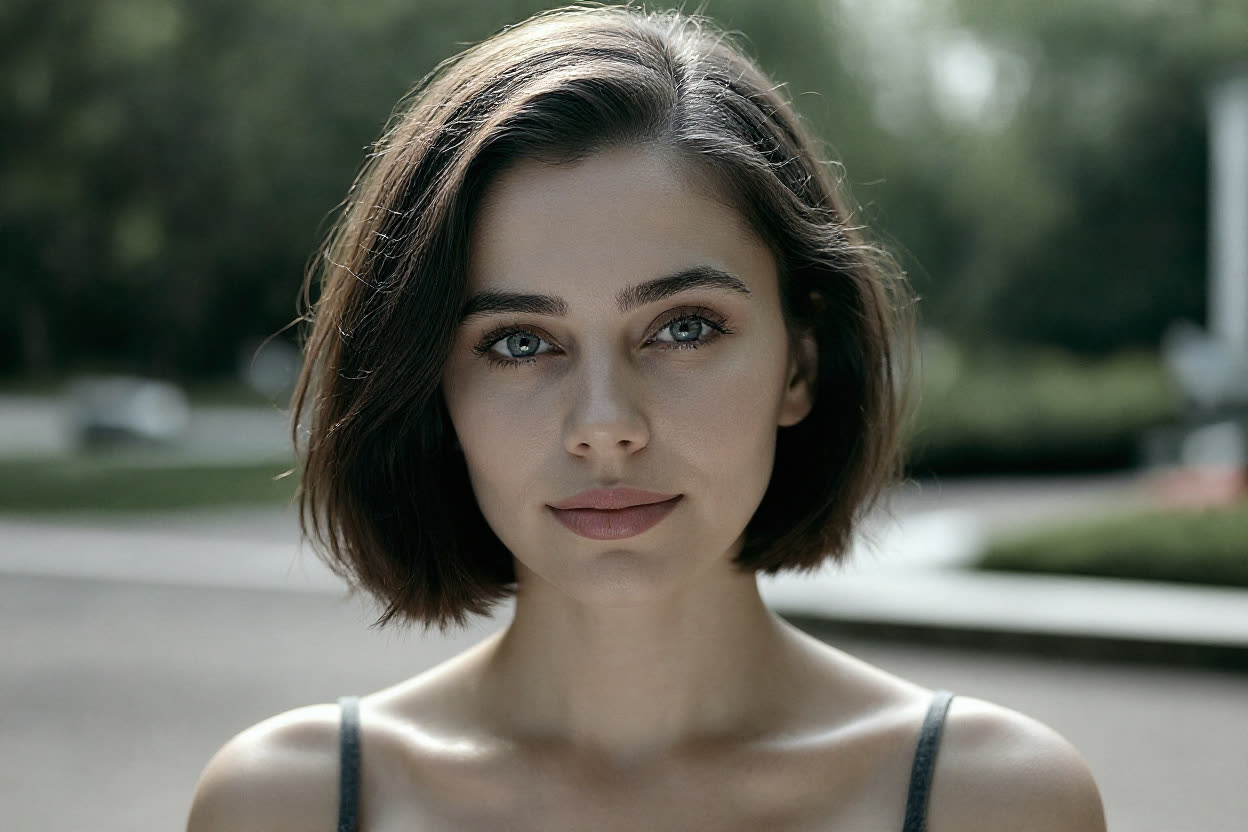


Ready to try it on your own photo?
Upload a picture, pick the look you want and get the result in seconds.